
Build
A stable drive base first: motors, wheels, and a brick that stays put when the robot bumps a wall.
Chassis · motors · cable routingRobotic Workshop · Grades K–6 · Belmont, CA
LEGO EV3 and SPIKE Prime. Motors, sensors, and block code. Ten weeks to a robot that follows a line, finds its way, and completes a mission.
10 weeks 60 minutes Kits included No experience needed
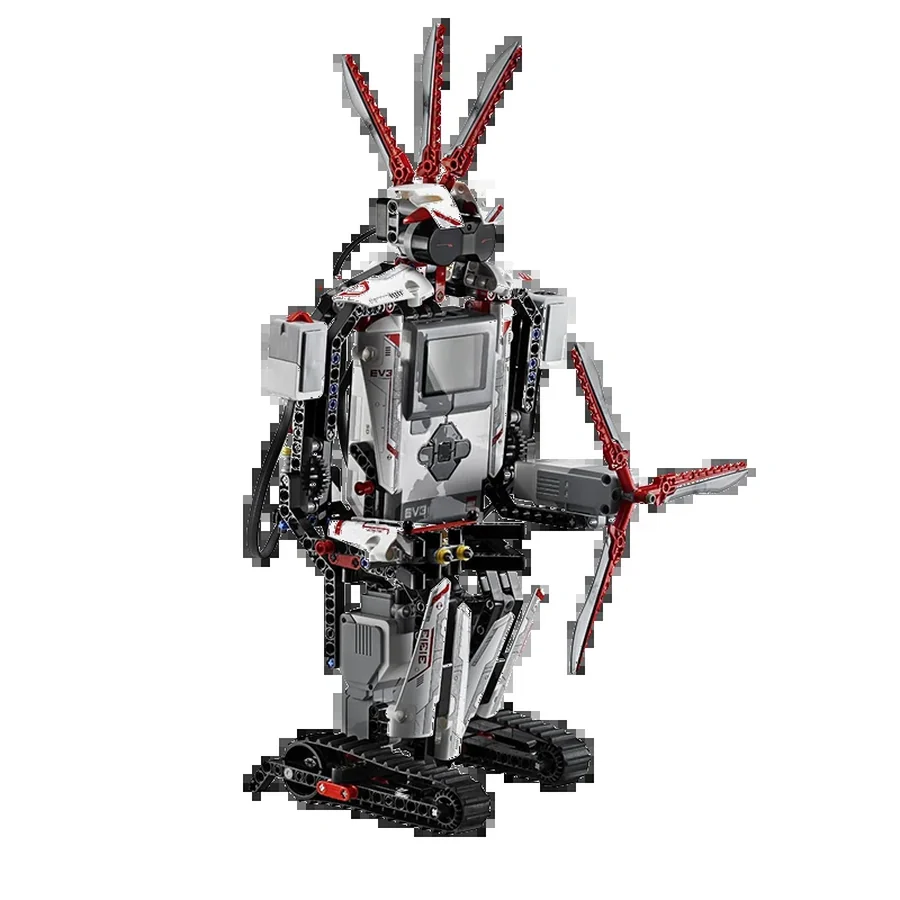 MISSION 03
01 The build
The robot is the hook; the thinking is the point. Every class adds one working part — a motor, a sensor, a rule — and then tests it on the floor.
A stable drive base first: motors, wheels, and a brick that stays put when the robot bumps a wall.
Chassis · motors · cable routingTouch, color, distance, gyro, infrared. Students read the sensor value before they trust the robot’s guess.
Ports · values · calibrationBlocks become behavior: loops, conditionals, events, and a program that can recover when the first try fails.
Loops · if/then · eventsA course, a clock, and a job to finish. Teams test, tune, and explain one choice at the end.
Line follower · rover · mission runNo kit-hoarding. One robot per team. Everyone builds, programs, and drives.
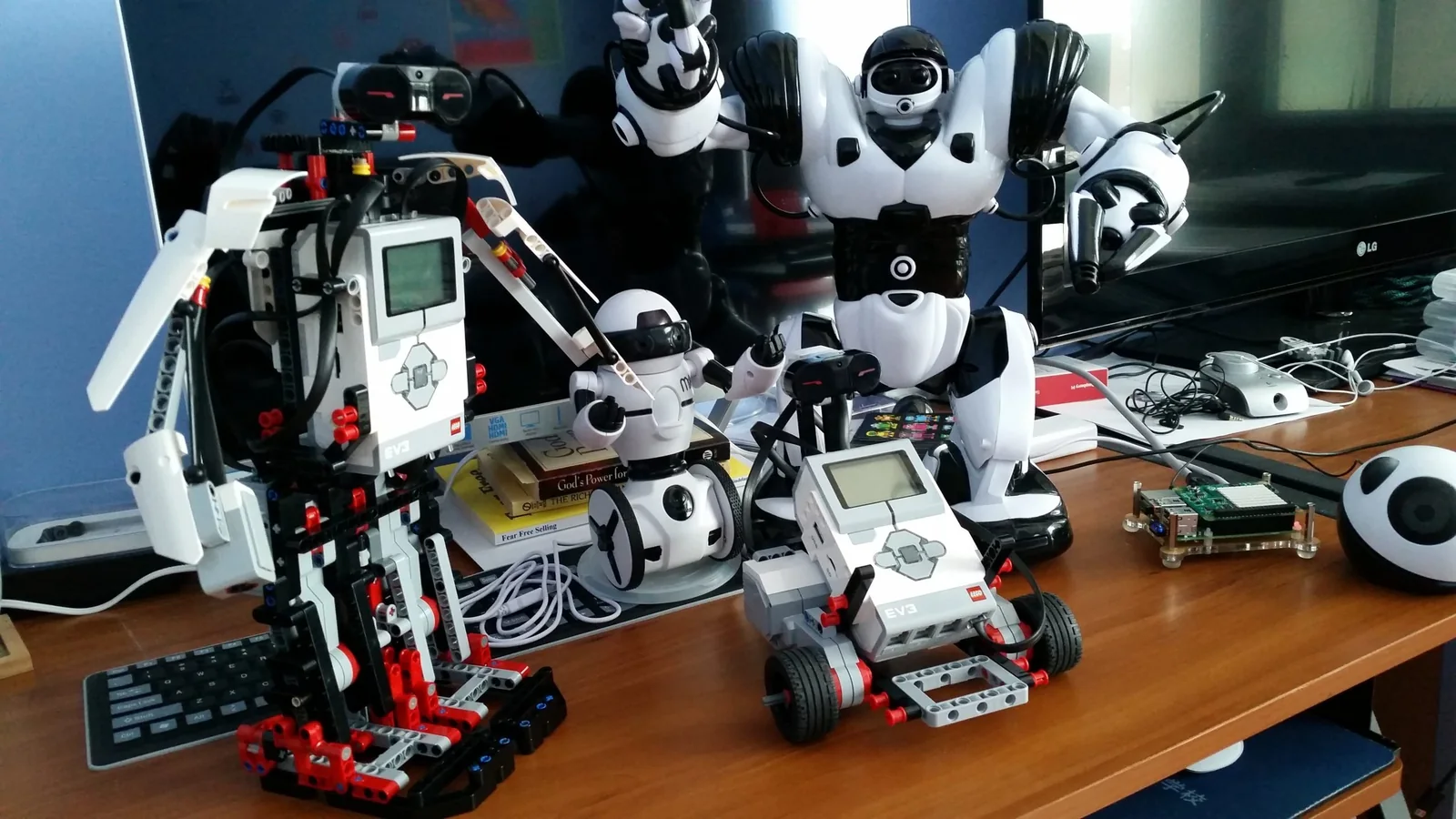
02 The kits
A session uses one platform, chosen by the teacher around the group and the equipment. The core is identical: a base, motors, sensors, a program, and a test.
The brick, the software, touch, color, infrared, and gyro. A full-term favourite.
Hub, motors, force, color, and distance sensors, programmed with SPIKE blocks.
No programming experience needed. The first class starts at the hub.
03 The term
Ten weeks, one robot, one mission. The same arc works with EV3 or SPIKE; the class library goes deeper when the group is ready.
Meet the brick or hub. Build a drive base. First program on the floor.
SPIKE 1–3 · EV3 1–2Straight lines, turns, wheel size, rotations, and why seconds drift.
SPIKE 4–5 · EV3 3–4Gyro turns, touch, force, color, and distance. Read the value first.
SPIKE 6–8 · EV3 5, 7–8Loops, conditionals, events, and the line-following edge puzzle.
SPIKE 9–11 · EV3 6, 9–11Build a course, run it, debug, and explain one choice to the room.
Mission day · short creator talkA 10-week term samples the library. The class counts above show where the topics live in the full EV3 and SPIKE sequences.
04 The class library
Drawn from the studio’s EV3 and SPIKE lesson sequences. The coach picks the path for the group; this is the map, not a race.
Both sequences teach the same moves: configure the motors, read a sensor, choose a logic block, test on the floor. The kit changes; the habit does not.
05 The challenges
A robot is only finished when it runs the course. Students test, find the weak part, and change one thing at a time.
Read the edge of the line, not the middle. A color sensor, a loop, and a lot of tuning.
Infrared or touch control. Drive a route, stop on a mark, and pick something up.
A motor, a collector, and an event. Build the fastest cleaner that can still finish the job.
A course, a clock, and a short explanation. The medal is a nice prop; the debugging habit is the point.
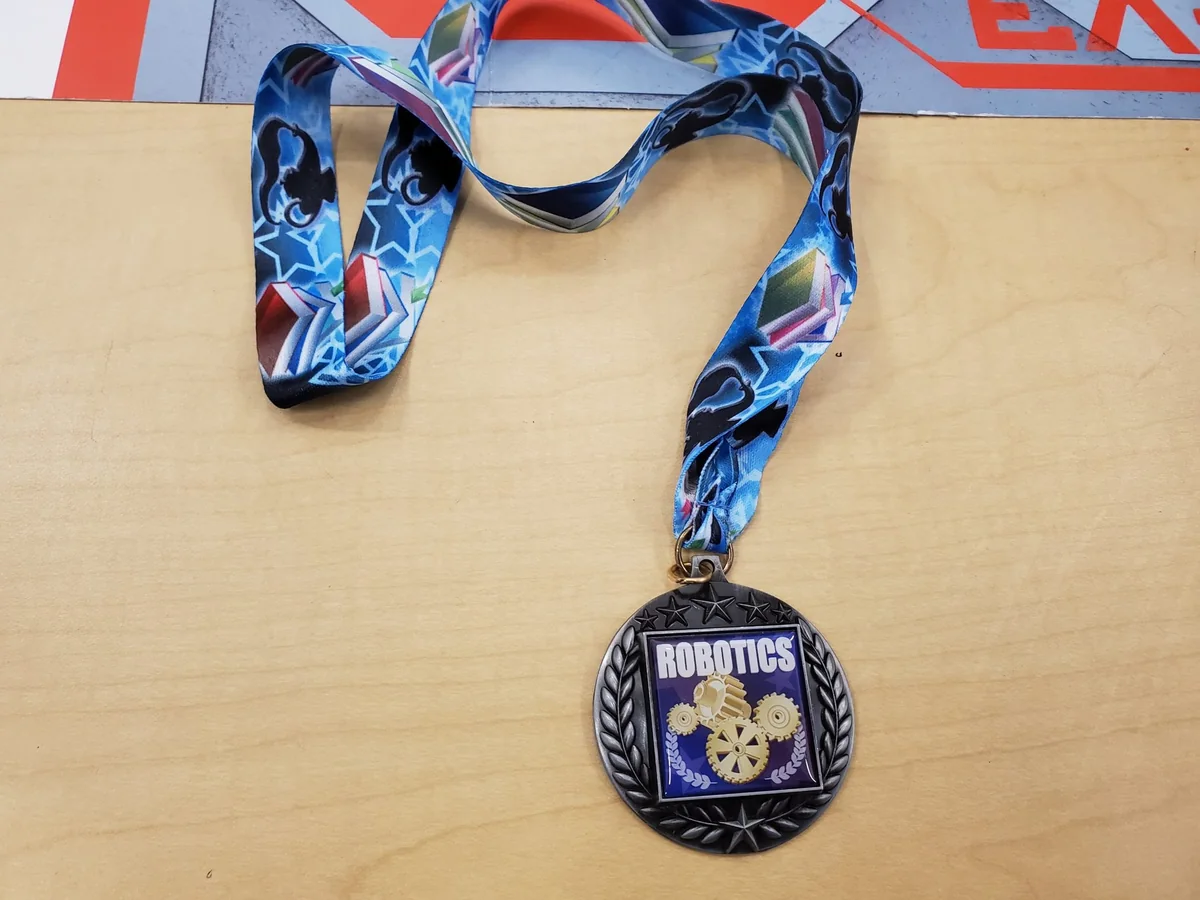
“Every class ends with something that moves. Every term ends with something that works.”
06 The videos
Short clips from the studio — a student programming a SPIKE robot, and EV3 robots running the line. These are the real builds, not a render.
Build the blocks, download, and watch the robot follow the instructions.
Test, tune one thing, and run it again. The floor is the feedback.
07 The line follower
The line-following lesson is the hinge of the term. Students use a color sensor to find the edge of the line, write a loop that reacts, and tune the turn until the robot stays on course.
08 Questions
Tracks, kits, experience, and what mission day looks like. Still unsure? Ask us about your child.
A session uses one platform — LEGO EV3 or SPIKE Prime — chosen by the teacher around the group and the equipment. The core ideas are the same: build a base, program motors, read sensors, and run a mission.
No. We start with the hub or brick, the motors, and a first program. Grades K–6; small teams; no experience needed.
A drive base, then a sensor-driven robot. Across the term they add touch, color, distance, or gyro sensors; write loops and conditionals; and finish with a line-following or mission challenge.
Yes. The challenges scale: a returning student can take a harder mission, add a mechanism, or help lead a build. The class library has more than one term’s worth of material.
Yes. Summer camps run weekly, Monday–Friday, 9:00am–3:00pm with a one-hour lunch, and families choose one program for the week. Robotic Workshop is one of the three summer choices.
The last class is a mission run. Teams test the robot on a course, fix what fails, and explain one choice. It is a build-and-explain session, not a worksheet.
SteamWorks Academy
Tell us your child’s age and what they have tried. We’ll tell you which kit and mission are running this term.